Reproduction Communicator for the Valiant Turtle
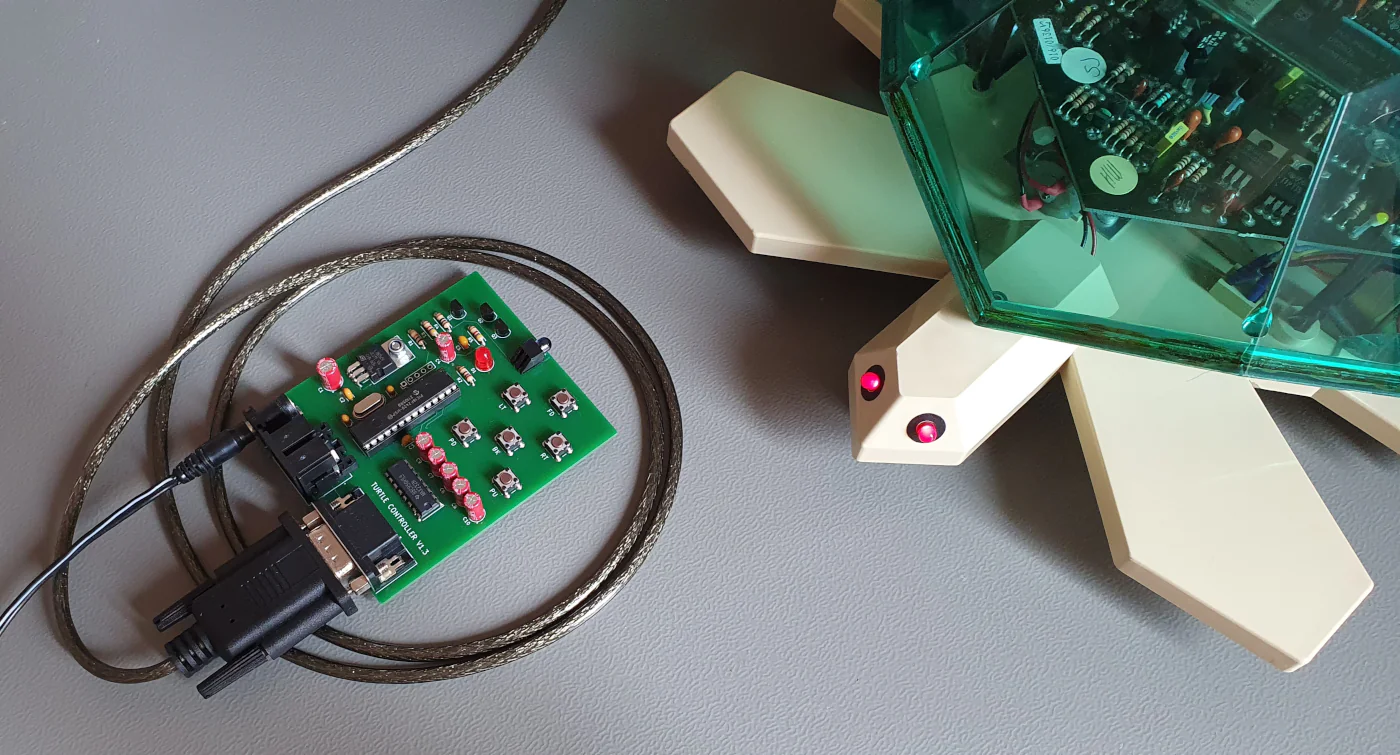
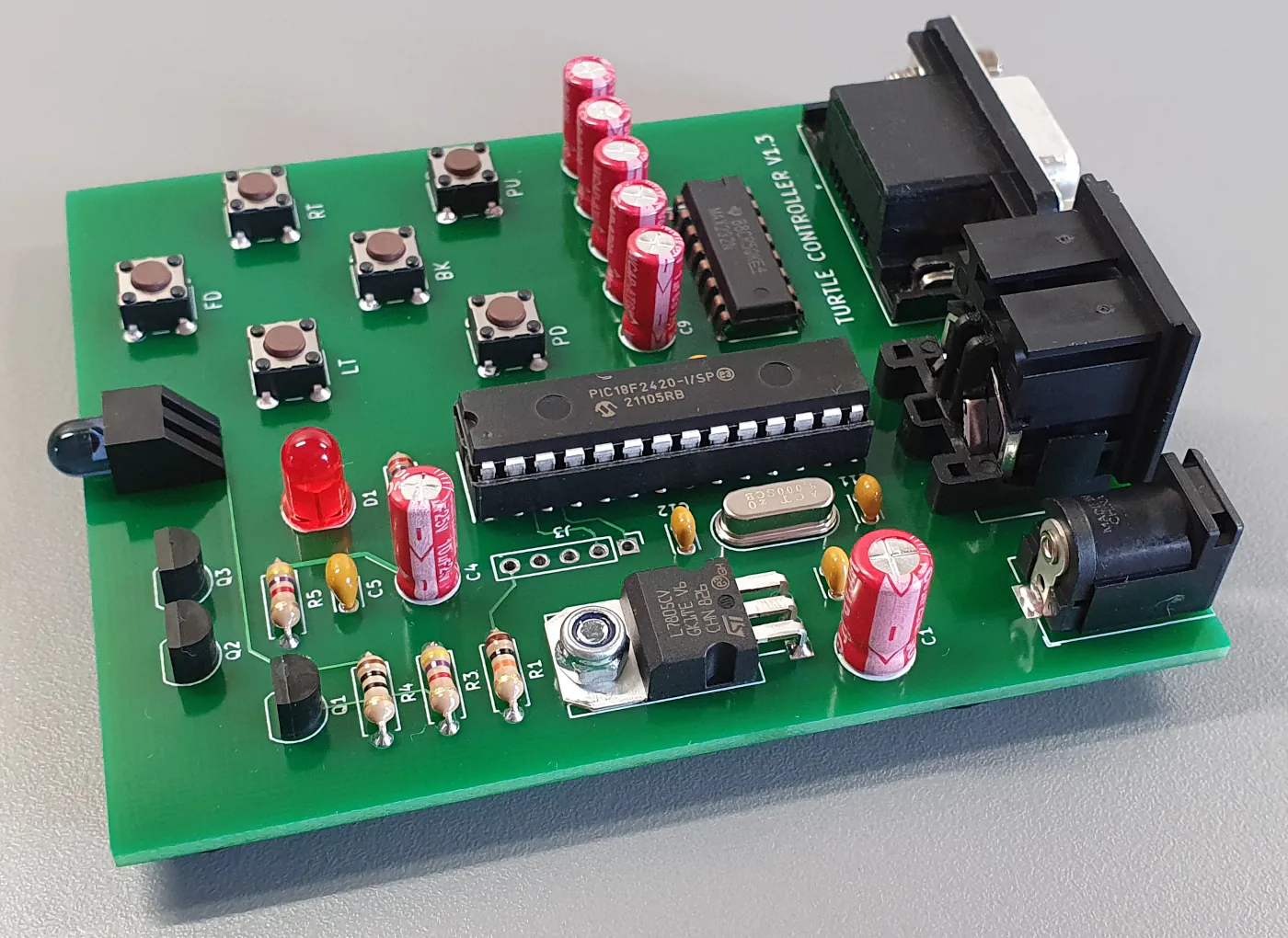
This is an enhanced reproduction communicator board for controlling the Valiant Turtle. It is designed to work with the BBC microcomputer, via its RS423 serial interface, and the Valiant Turtle Mover program, DART, or Logotron LOGO.
The additional DB9 serial connector can be used with a USB adaptor cable, making it easy to control a Valiant Turtle with a modern computer system. The 'command mode' detailed below allows turtle commands to be sent to the board in the form of command-parameter byte pairs via a serial terminal program, or any programming language that can write to the serial port.
Features include
- Compatible with the Valiant Turtle BBC Micro software
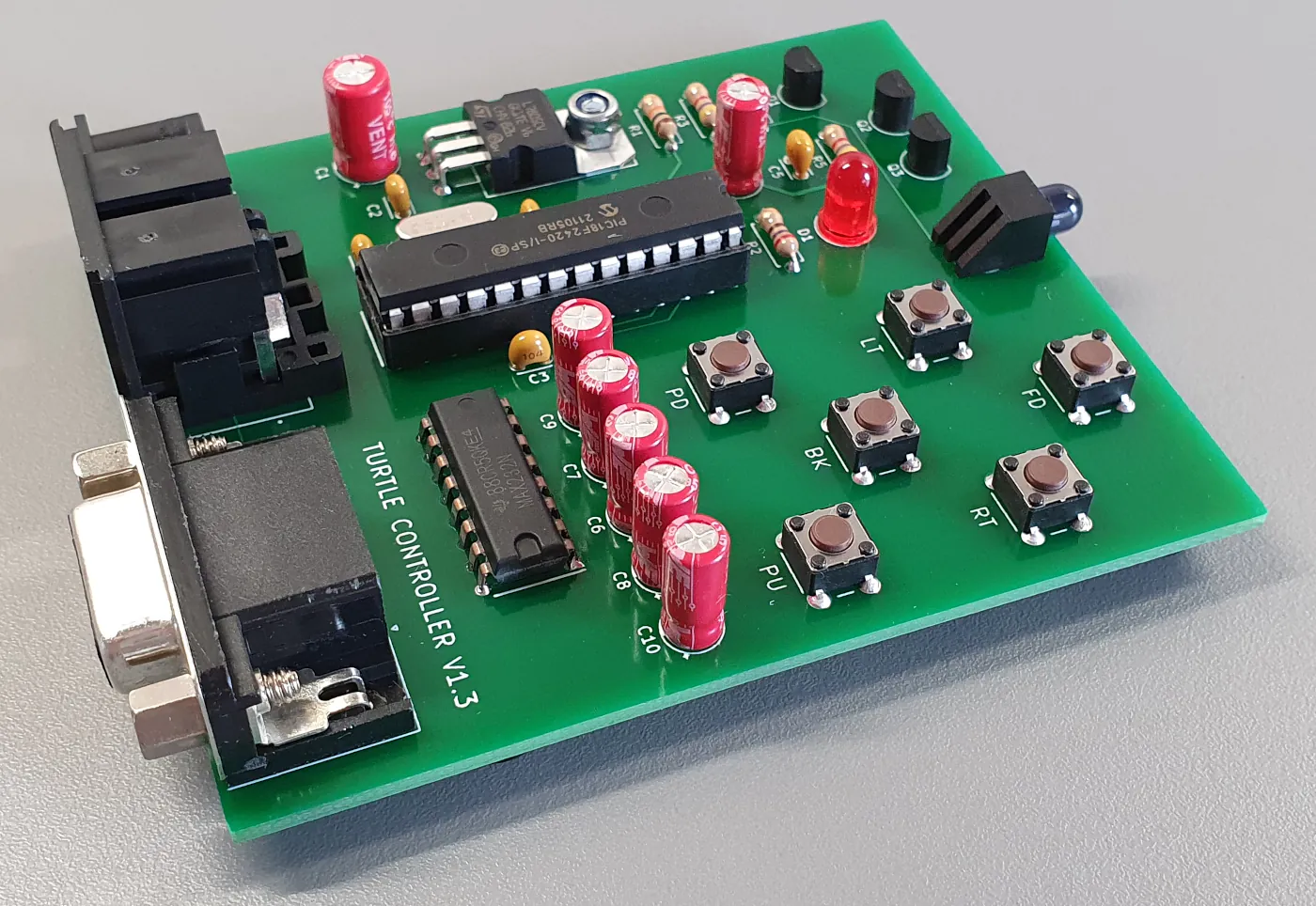
- Push buttons so the Turtle can be operated without a computer connected
- Special 'Command Mode' allows two-byte (command parameter) pairs to be sent to the board for easy control from a PC serial terminal application.
- DIN serial connector is the same as used on the original communicator unit.
- DB9 serial connector for connection to a PC's serial port, or via a USB to serial port adaptor.
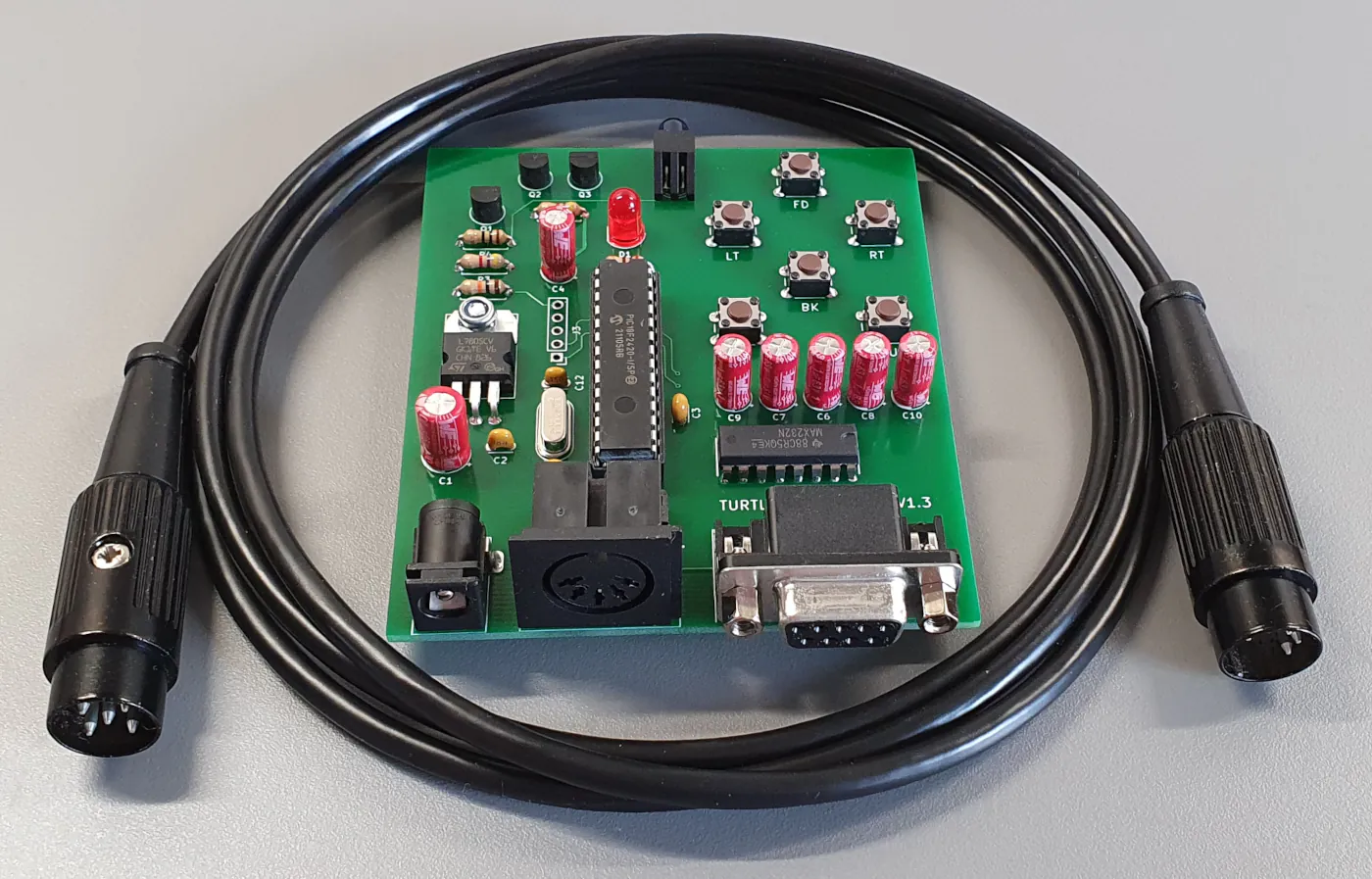
- Includes 1.5m data cable for connection to the BBC Micro's RS423 serial port
- Wide operating voltage between 6-24V via DC jack socket (5.5x2.5mm)
- Can be powered from the Valiant Turtle's 24V power supply like the original communicator unit.
- Serial only interface for controlling one Valiant Turtle.
Description of Command Mode
When first powered on 'byte mode' is selected by default, as this would normally be used with the Valiant Turtle software. If you want to control the Turtle via a serial terminal 'command mode' can be selected by sending the two bytes below.
Byte Mode
0xFB 0xFB
Command Mode
0xFD 0xFD
When the two bytes have been sent the status LED will flash multiple times to indicate a mode-change has occurred.
Once in 'command mode' the following command bytes represent the six turtle commands, the number of steps associated with the directional commands is then specified by the second byte.
Forward
0x06 0x00 - 0xFF
Backward
0x09 0x00 - 0xFF
Left Turn
0x05 0x00 - 0xFF
Right Turn
0x0A 0x00 - 0xFF
Pen Up
0x20
Pen Down
0x10
The scale can be adjusted to increase or decrease the actual distance a single directional step represents. The default distance for a single step is 0x0A (10).
Adjust Scale
0xFC 0x01 - 0x32
Once a command has been completed the communicator board will send the command byte back to the serial terminal and toggle the RTS pin, indicating that it's ready to receive the next command byte.
Power cycling the board will restore it to its default parameters and operating mode.
The following is a simple test program in BBC BASIC using *FX commands to write bytes to the communicator board via the RS423 serial interface.
    10 REM set serial baud rate to 4800
    15 *FX8,6
    20 REM write two bytes 0xFD (253) to transmit buffer
    25 REM which sets the communicator board to command mode
    30 *FX138,2,253
    35 *FX138,2,253
    40 REM pen down
    45 *FX138,2,16
    50 REM command byte - FORWARD
    55 *FX138,2,06
    60 REM parameter byte - 25 STEPS
    65 *FX138,2,25
    70 REM command byte - LEFT TURN
    75 *FX138,2,05
    80 REM parameter byte - 90 STEPS
    85 *FX138,2,90
    90 REM command byte - RIGHT TURN
    95 *FX138,2,10
    100 REM parameter byte - 90 STEPS
    105 *FX138,2,90
    110 REM command byte - BACKWARD
    115 *FX138,2,09
    120 REM parameter byte - 25 STEPS
    125 *FX138,2,25
    130 REM pen up
    135 *FX138,2,32
Serial port configuration
4800 baud - 8 Bits - No Parity - 1 Stop Bit - RTS/CTS Flow Control
The domino DIN plug on the data cable can be oriented in either of two ways, it needs to be connected to a BBC B so that the screw in the barrel of the connector faces towards the right side of the machine. No damage will occur by connecting incorrectly, the computer simply won't be able to communicate with the communicator board.
Serial control using Mac or Linux
A simple test program written in C for use with the GCC compiler can be downloaded here which has been tested on Ubuntu Linux and Mac OS.
CTS/RTS flow control isn't neccesary, as the program will wait for the return byte sent once the current command completes, before moving to the next.
Recommended USB to serial adaptor cable
Having tested a few cables I've found that those with a Prolific chipset don't handle hardware flow control particularly well, and those with an FTDI chipset perform much better. The cable I use for testing Turtle Controllers is this Sabrent USB to Serial Cable which uses an FTDI chipset.
3D Printed Enclosure
LinuxJedi has created an excellent 3D printed enclosure for the turtle controller board, and I'm sure he'd be happy to share his design files with anybody who needed one. The only modification required is removing the TSAL6200 infra-red LED from the PCB and installing a new one in the front of the case. Check out his website here for more details about this, and his turtle restoration project.
Firmware Update
When I created these turtle controllers I only had my turtle for testing, which appears to be a later model with a serial number of 01/7260. I recently supplied a controller to someone with a much earlier turtle having a significantly lower serial number than mine. They found it would work with all commands except FW, which resulted in a certain amount of jitter when moving in the forwards direction.
Updated firmware to correct this issue is now available for download below. You'll need a suitable programmer such as a PICkit for flashing the PIC18F26K22 with this hex file. If you're experiencing the issue described and aren't able to reprogram please contact me and I'll ship a replacement chip.
vtc_firmware_v1_4_r3.zipPCB Gerber Files
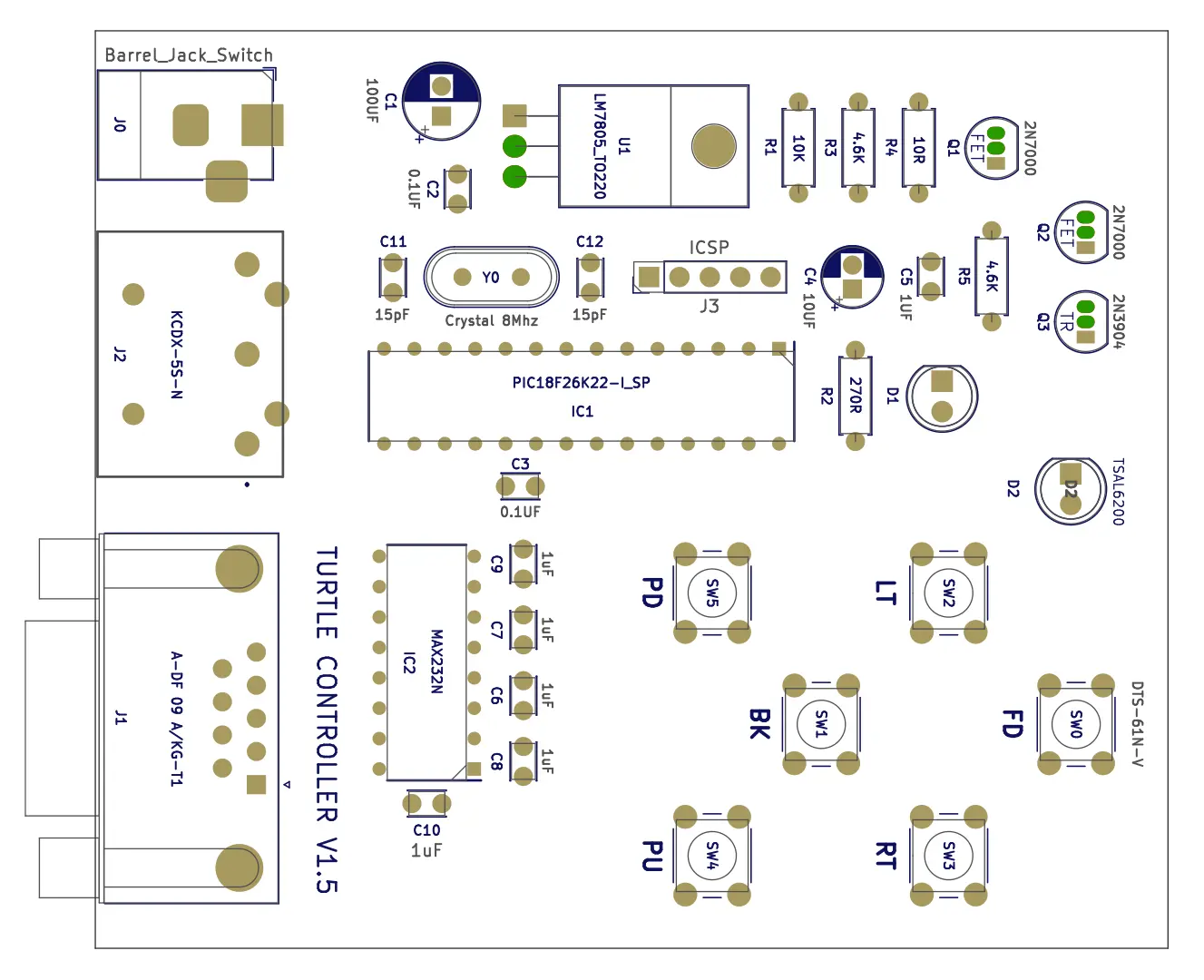
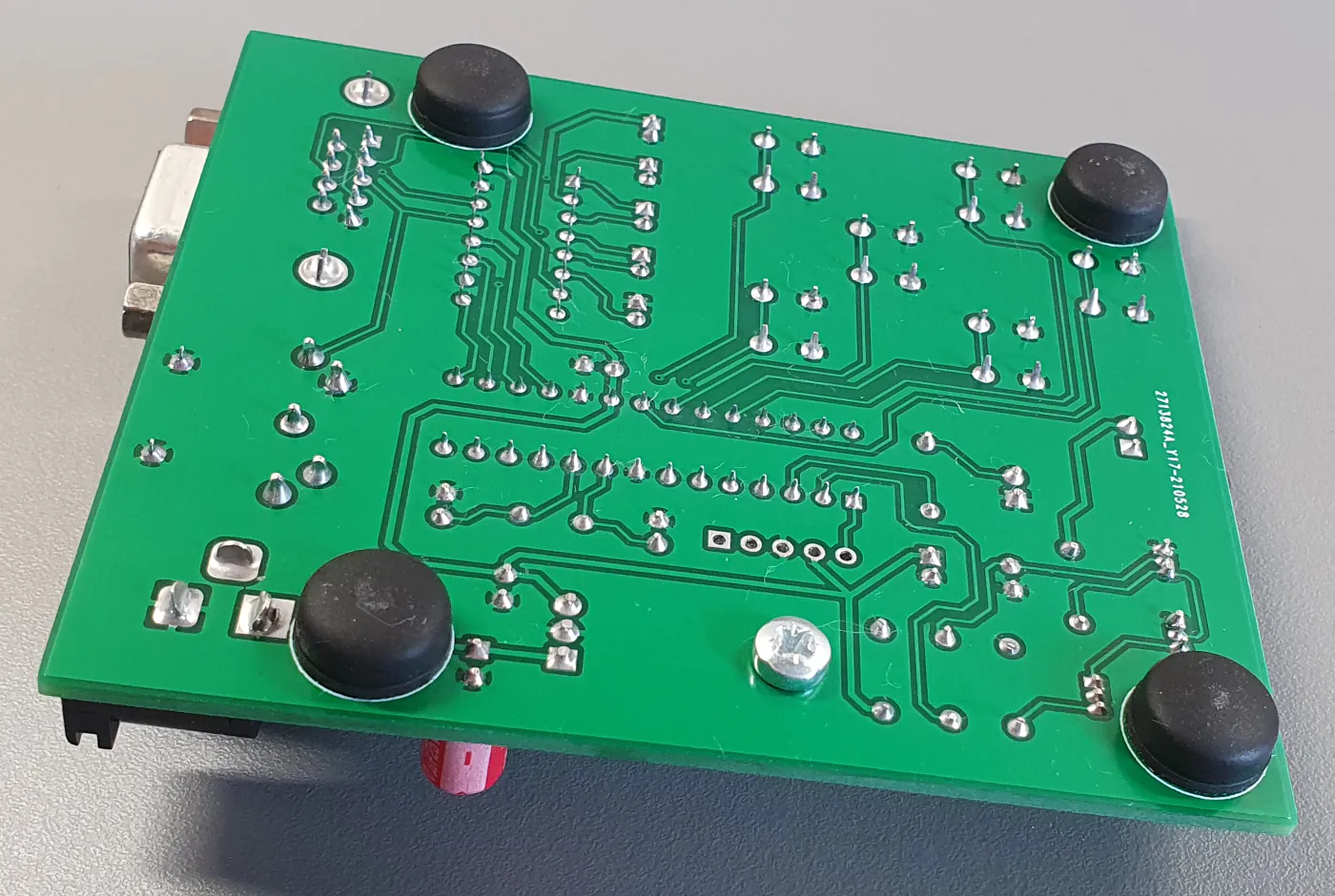
The Gerber files for version 1.5 of this project are available below. In this version the electrolytic capacitors for the MAX232 have been replaced with the smaller, and less likely to break off, 1uF ceramic capacitors. All the components in the graphic below are available from Rapid Electronics in the UK, except the PIC18F26K22 microcontroller which can be purchased from CPC or Mouser. The rubber feet I'm using are the R-TECH 310034 Flat Round Rubber Feet 10.5 x 10.0 x 5.0.
turtle_controller_project_1_5.zip